
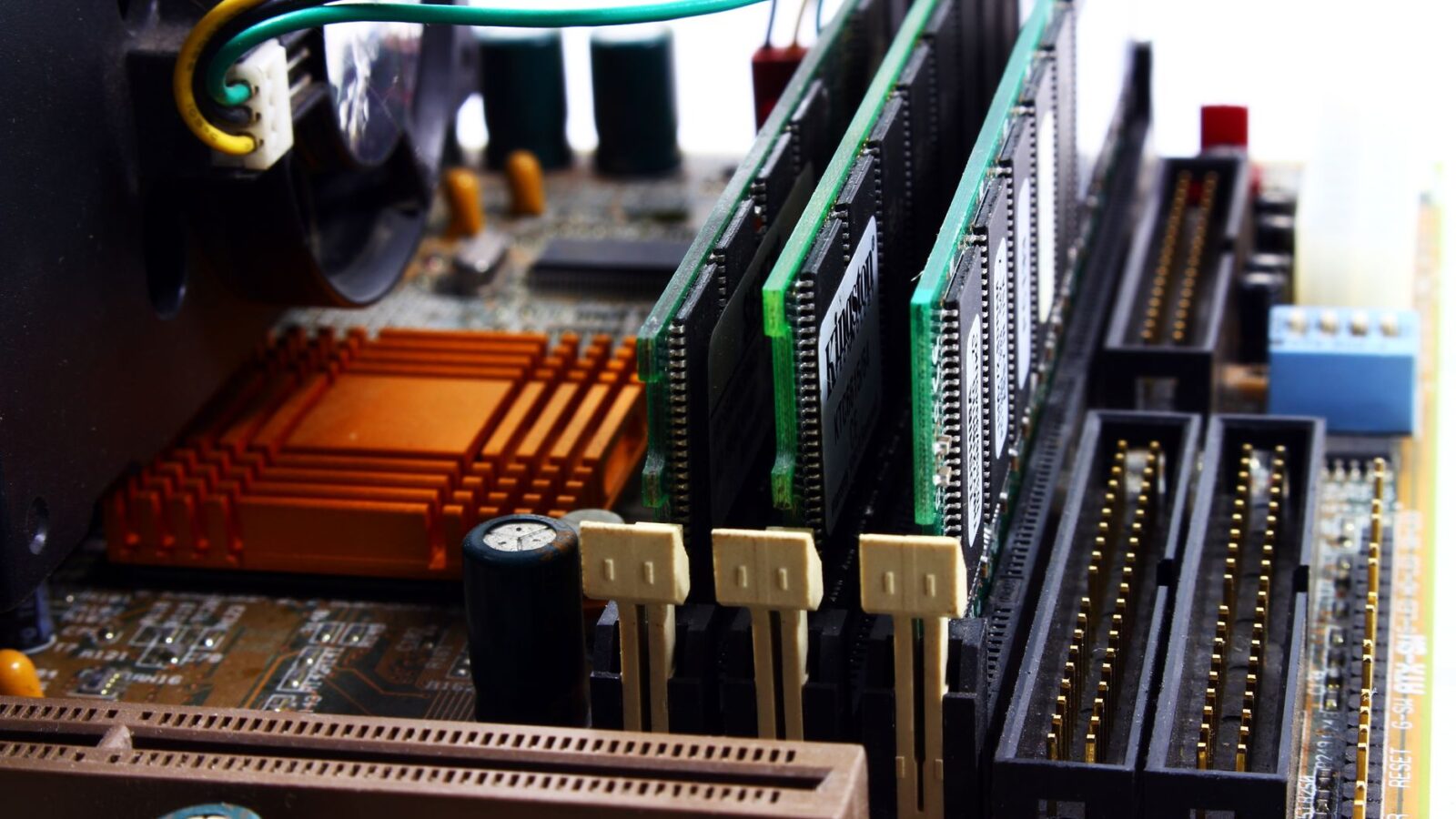
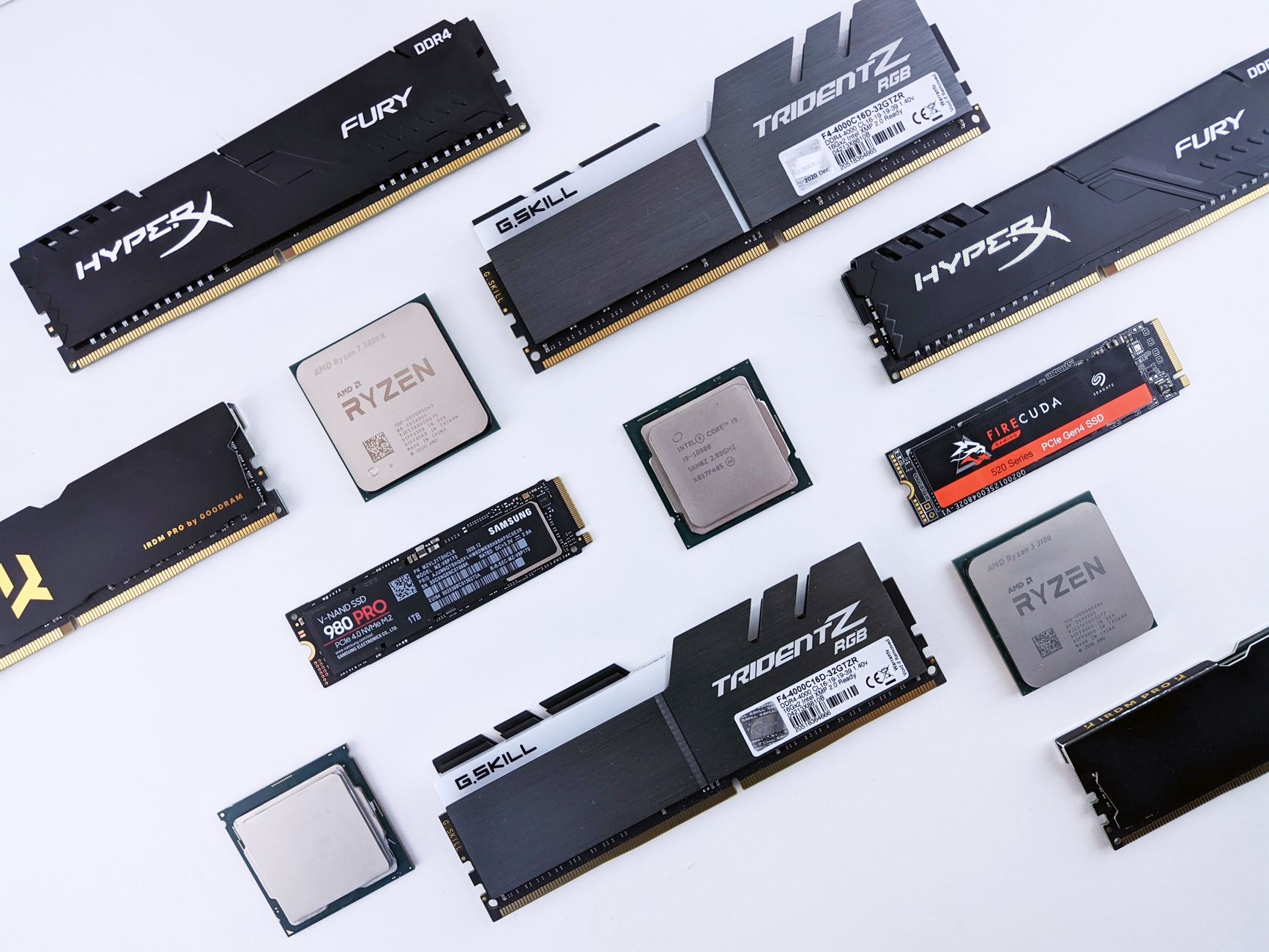
A builder sketching out a new desktop often starts with a single question, namely whether a Ryzen chip or an Intel chip comes first, and then has to track down a matching motherboard and memory kit across separate listings. PC building combo offers address that exact sequence by grouping a processor, a board, and RAM into one listing instead of three separate searches. Newegg runs this format across both AMD Ryzen and Intel Core Ultra platforms, giving builders on either side a structured starting point rather than a blank parts list.
AMD Ryzen 5 5500 Combo with ASUS TUF B550 and Corsair Vengeance RAM
One of the AMD-based combos pairs the Ryzen 5 5500 processor, a Zen 3 chip with 6 cores running at 3.6 GHz on the AM4 socket, with an ASUS TUF GAMING B550-PLUS WIFI II ATX motherboard. The bundle also includes Corsair Vengeance LPX memory, specifically 32GB in a 2 x 16GB configuration running at DDR4 3200. This is a 65W part with no integrated graphics, so a build around it needs a discrete graphics card for display output. Newegg lists this grouping as a combo offer, meaning the three parts are presented together rather than requiring separate searches.
Intel Core Ultra 7 270K Plus with ROG STRIX Z890 and DDR5 Memory
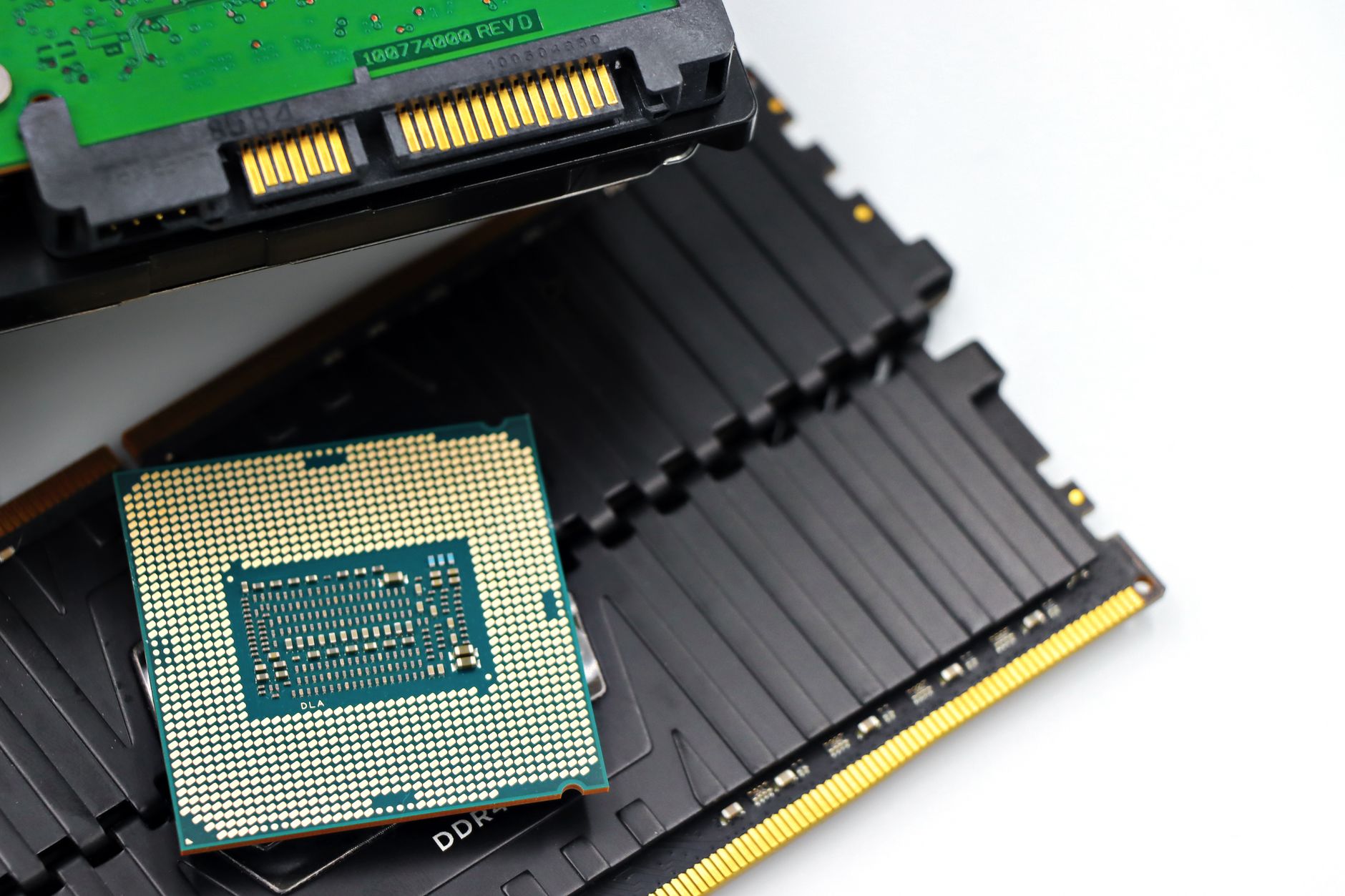
On the Intel side, the combo centers on the Core Ultra 7 270K Plus processor, which carries 24 cores split between 8 performance cores and 16 efficiency cores and clocks up to 5.5 GHz. It is matched with an ASUS ROG STRIX Z890-H GAMING WIFI motherboard built for the LGA 1851 socket. That board is described as Intel Core Ultra Series 2 ready and Advanced AI PC-ready, with a 16+1+2+2 power stage design, DDR5 support, 5Gb LAN, WiFi 7, four M.2 slots, PCIe 5.0, USB Type-C, and AI OC features. The memory in this combo is Corsair Vengeance DDR5 running at 6000, again in a 32GB 2 x 16GB kit, which lines up with the platform’s DDR5-only requirement.
Component Compatibility Across Newegg’s Bundled Platforms
Compatibility is the quiet backbone of any combo listing. The AMD grouping keeps everything on socket AM4 with DDR4 memory, while the Intel grouping stays on socket LGA 1851 with DDR5 memory, so neither bundle mixes generations or memory types. That consistency matters in a practical sense, since a processor, motherboard, and RAM kit have to agree on socket type and memory standard before a build will even power on. A mismatch at this stage, such as a DDR4 kit paired with a DDR5-only board, means the parts simply will not fit together physically or electrically, which is the kind of error a first-time builder is most likely to make when sourcing each part separately.
How Newegg’s Combo Offers Structure Savings on PC Parts
Each combo offer lists an individual markdown on the processor, the motherboard, and the memory kit, and the listing also shows a single combined savings figure once all three items are added together. That gives a builder two things to look at, namely what each part contributes on its own and what the trio adds up to as a set. PC building combo offers are built around that kind of grouped presentation rather than isolated single-item pricing, which is why the same three categories always travel together across the catalog, namely the CPU, the motherboard, and the RAM kit.
The three-part grouping stays consistent across both the AMD and Intel listings described above. Newegg applies the same structure regardless of platform, so a builder moving from one combo to the other encounters a familiar layout rather than a different presentation style. That repetition across platforms is itself a feature of how the combo format is organized.
Prebuilt Gaming PC Systems as an Alternative to Custom Builds
For builders who prefer to skip individual part selection entirely, Newegg also lists finished desktop systems such as the ABS Flux II Aqua prebuilt gaming PC, which runs Windows 11 with an Intel Core i7-14700F processor, a GeForce RTX 5070 with 12GB of memory and DLSS 4 support, 32GB of DDR5 system memory, and a 1TB NVMe SSD. A prebuilt system like this bypasses compatibility questions altogether since every component inside has already been matched by the system builder. It stands as a direct alternative to the combo-based approach, suited to anyone who wants a complete machine rather than a parts list to assemble.
Selecting the Right Processor and Motherboard Pairing
Choosing between the AMD and Intel combos ultimately comes down to platform generation and memory type. The Ryzen 5 5500 pairing sits on an established AM4 and DDR4 foundation, while the Core Ultra 7 270K Plus pairing sits on the newer LGA 1851 socket with DDR5 memory and WiFi 7 networking built into the board. Builders who already own compatible memory, or who prioritize specific motherboard features such as the Z890 board’s four M.2 slots or PCIe 5.0 support, have a clear basis for narrowing the decision. The parts catalog extends well beyond these two combos, covering every category needed to finish a build around either processor choice.
- Processors spanning both AMD Ryzen and Intel Core Ultra lines are available for socket-matched builds.
- Motherboards from brands such as ASUS cover AM4 and LGA 1851 sockets with varying feature sets.
- Memory kits include both DDR4 and DDR5 Corsair Vengeance options in 32GB configurations.
- Storage options extend to NVMe SSDs for system and game installations.
- Peripherals such as headsets, like the Corsair Void V2 Wireless, round out a finished setup.
Across every category, Newegg‘s catalog gives builders room to swap in alternatives while still following the same compatibility logic the combos demonstrate. That structure is what makes PC building combo offers a practical entry point into a build rather than a random grouping of parts. Whichever platform a builder settles on, the listings make the next component choice easier to see.
Grouped listings anchor each platform generation with a clear starting point as sockets and memory standards evolve.