
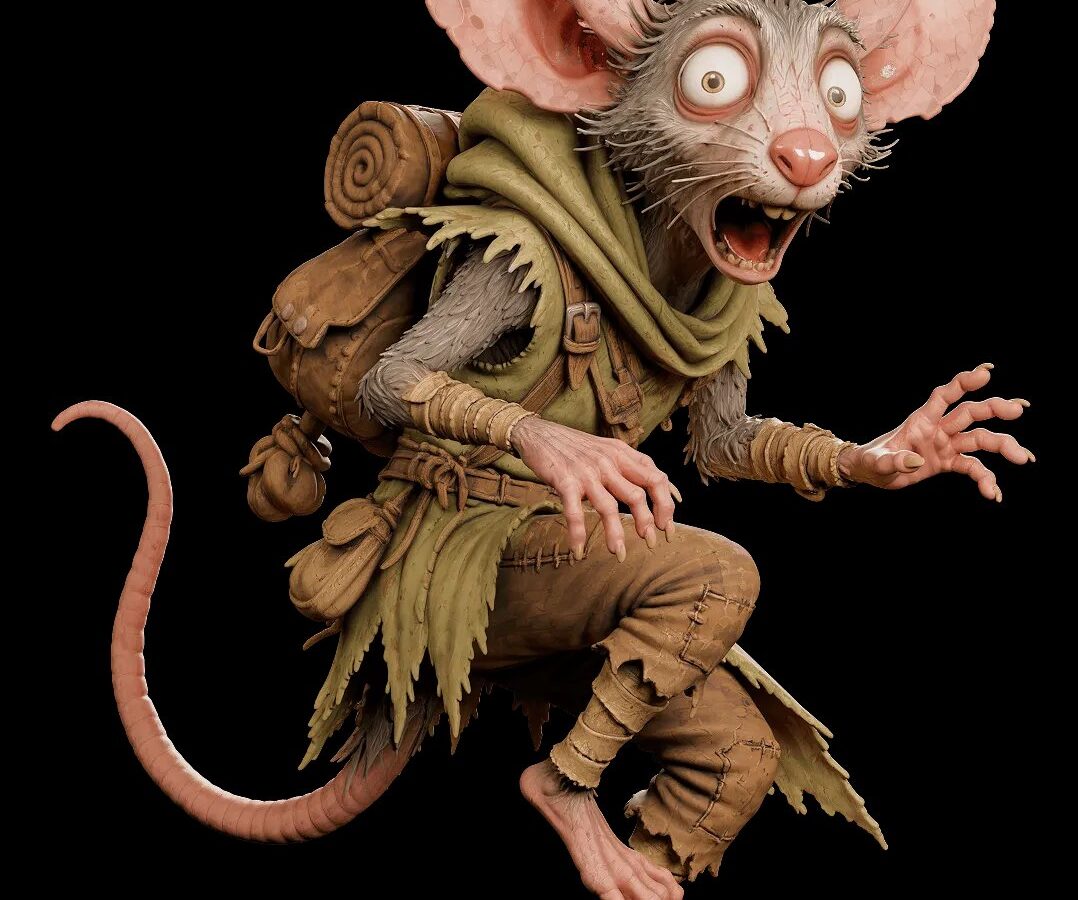
Free 3D model generation has moved from a novelty into a practical starting point for hobbyists, game developers, and product designers alike. Instead of paying for modeling software or hiring a specialist, anyone can describe an idea or upload a photo and receive a usable mesh within moments. Meshy sits at the center of this shift, offering a no-cost entry point for turning text and images into ready-to-use 3D models.
What Free AI 3D Model Generation Does: Text-to-3D and Image-to-3D Explained
Free 3D model generation refers to software that converts a written description or a reference image into a three-dimensional mesh without requiring payment upfront. This removes the traditional barrier of needing a trained 3D artist or expensive licenses for programs like Blender or Maya. Two main paths exist within this category. Text-to-3D turns a sentence into a shape, and image-to-3D turns a photo or sketch into geometry.
Meshy offers both paths from a single interface. A person can either type a concept or upload a picture and get a model in return. This flexibility matters because different projects call for different starting points, whether that is a product prototype photo or a written description of a game character.
How Meshy Generates Models in 20-30 Seconds Without Paid Software
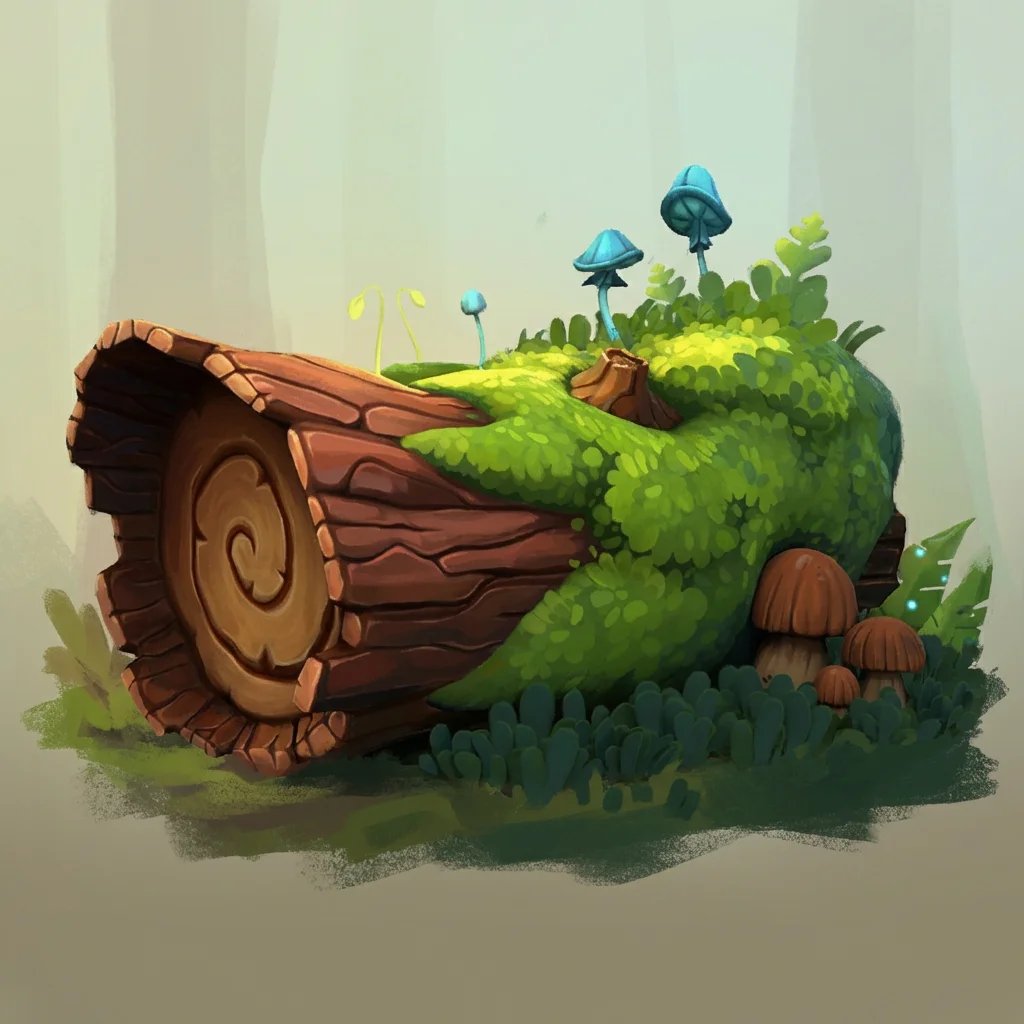
Speed is one of the more noticeable aspects of this approach to free 3D model generation. According to the brand’s own site, models are produced in 20-30 seconds, turning what used to be hours of manual sculpting into a near-instant result. That pace applies whether the input is a short text prompt or an uploaded image.
No desktop software installation is required, so the entire process happens through a browser. This lowers the technical barrier further, since nobody needs a powerful workstation or a license key to get started. The output is immediately viewable, editable, and exportable, all without a separate paid design suite running in the background.
Image-to-3D: Turning Photos and Sketches Into Printable 3D Models
The image-to-3D feature accepts a photo, a sketch, or a piece of concept art and converts it into a three-dimensional object. This matters for anyone who already has a visual reference but lacks the skill to model it by hand. Meshy describes the resulting geometry as something that can be printed, used in a game, or refined further, which gives the output more than one practical destination.
Because the models come out watertight and manifold, they arrive closer to a finished state than many AI-generated meshes. A built-in printability check also scans every export and repairs edge cases automatically before slicing. As a result, a sketch uploaded in the morning can realistically become a sliceable file the same day.
Text-to-3D: Describing an Idea and Getting a Ready-Made Mesh
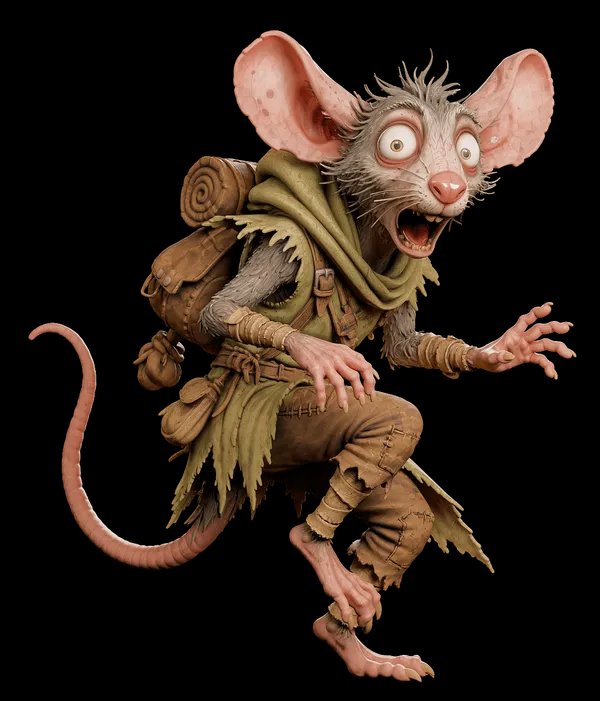
Text-to-3D works from the opposite direction, starting with words instead of an image. A written description of a creature, a prop, or an abstract shape becomes a textured mesh without any reference artwork needed. This suits situations where no photo exists yet, such as a game designer imagining a weapon that has never been drawn.
Because Meshy generates both text-to-3D and image-to-3D results through the same system, a project can mix both approaches. A designer might start with a text prompt for a rough form and later refine it with an uploaded reference image. That combination gives more control over the final geometry than either method alone.
3D Printing Workflows: Exporting STL, OBJ, and 3MF Formats Direct to a Slicer
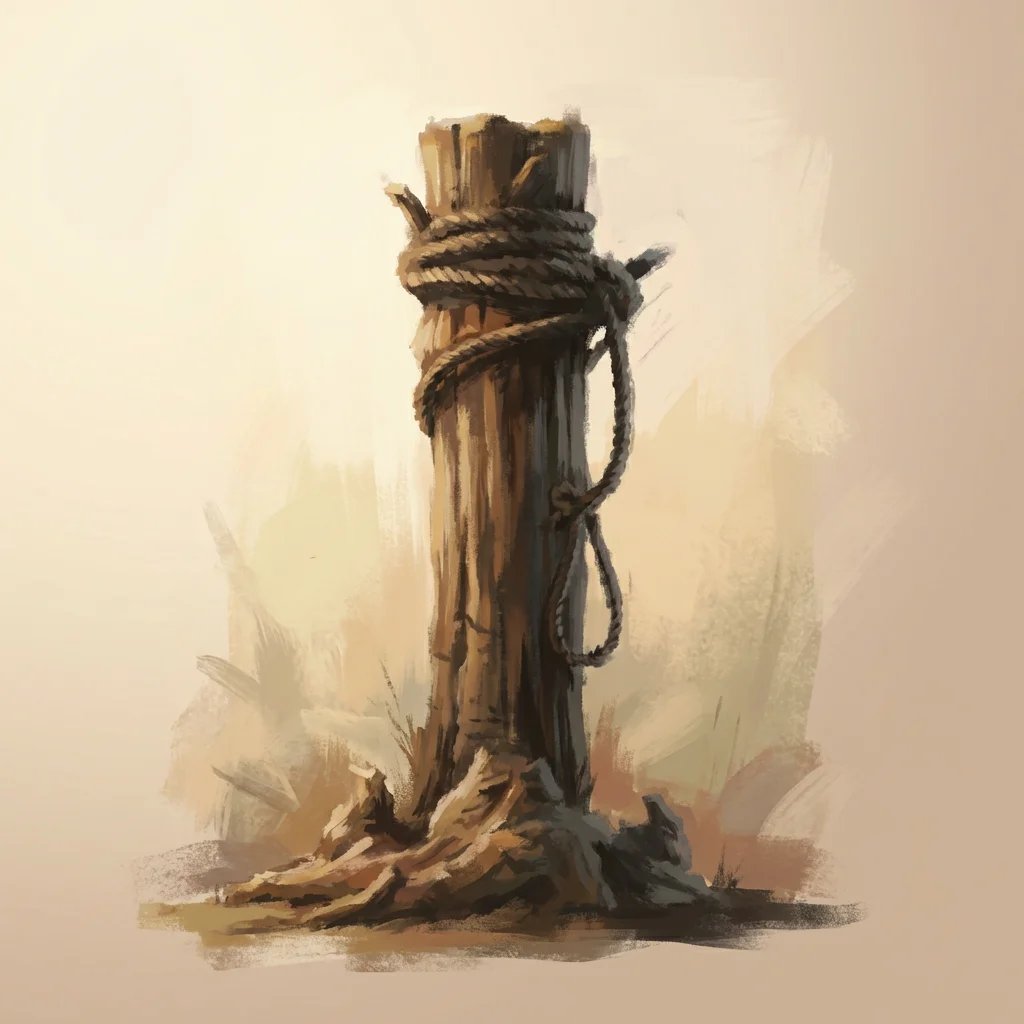
Meshy’s free tier includes export options aimed specifically at 3D printing rather than only digital display. Models can leave the platform in formats that slicers already recognize, cutting out a conversion step that often trips up other AI tools. This is a meaningful distinction for anyone printing figures, props, or prototypes at home.
- Exports are available in STL, OBJ, and 3MF formats, covering both FDM and resin printing.
- Finished files connect directly to slicers including Bambu Studio, OrcaSlicer, Creality Print, Ultimaker Cura, Snapmaker, Flash Studio, Elegoo Slicer, and LycheeSlicer.
- Multi-color printing maps each texture to a matching filament with clean color boundaries.
- An Auto Split feature breaks an overly complex model into watertight parts, pre-arranged on the build plate.
- A built-in printability check scans every export and auto-repairs holes or non-manifold edges before slicing.
Taken together, these features mean a model does not need a separate cleanup pass in a different program before it reaches a printer. That saves a step that has historically frustrated people trying to print AI-generated geometry. The free 3D model generation process, in this context, extends past the screen and into a physical object.
No Printer at Home: Meshy’s Print-on-Demand and Community Publishing Options
Not everyone with a finished model owns a 3D printer, and Meshy addresses that gap directly. For anyone without a printer, the service offers to produce the physical object and ship it to the person’s door. This turns a digital file into a tangible item without requiring any hardware investment.
Beyond printing services, finished models can be published to community platforms including MakerWorld, Printables, and Thingiverse. This means a design created from a single text prompt or photo can reach an audience far beyond the person who made it. Meshy‘s free 3D model library already lists more than 600,000 downloadable community creations in FBX, OBJ, GLB, and STL formats, giving newcomers a reference point before generating anything original.
Game developers draw on the same underlying system for a different purpose. Characters, weapons, props, and environments generated through the platform are available in FBX, OBJ, and GLB with PBR textures, alongside plugins for Unity, Unreal, and Roblox. That overlap between 3D printing and game asset creation shows how a single free 3D model generation workflow can serve more than one kind of project.
Closing Thought
Free access to text-to-3D and image-to-3D tools has turned an idea sketched on paper into something that can sit on a shelf or run inside a game engine. That shift matters more for what it removes than what it adds.